有効的なAZ-500J問題集はJPNTest.com提供され、AZ-500J試験に合格することに役に立ちます!JPNTest.comは今最新AZ-500J試験問題集を提供します。JPNTest.com AZ-500J試験問題集はもう更新されました。ここでAZ-500J問題集のテストエンジンを手に入れます。
AZ-500J問題集最新版のアクセス
「517問、30% ディスカウント、特別な割引コード:JPNshiken」
必要に応じて、次のログイン資格情報を使用します。
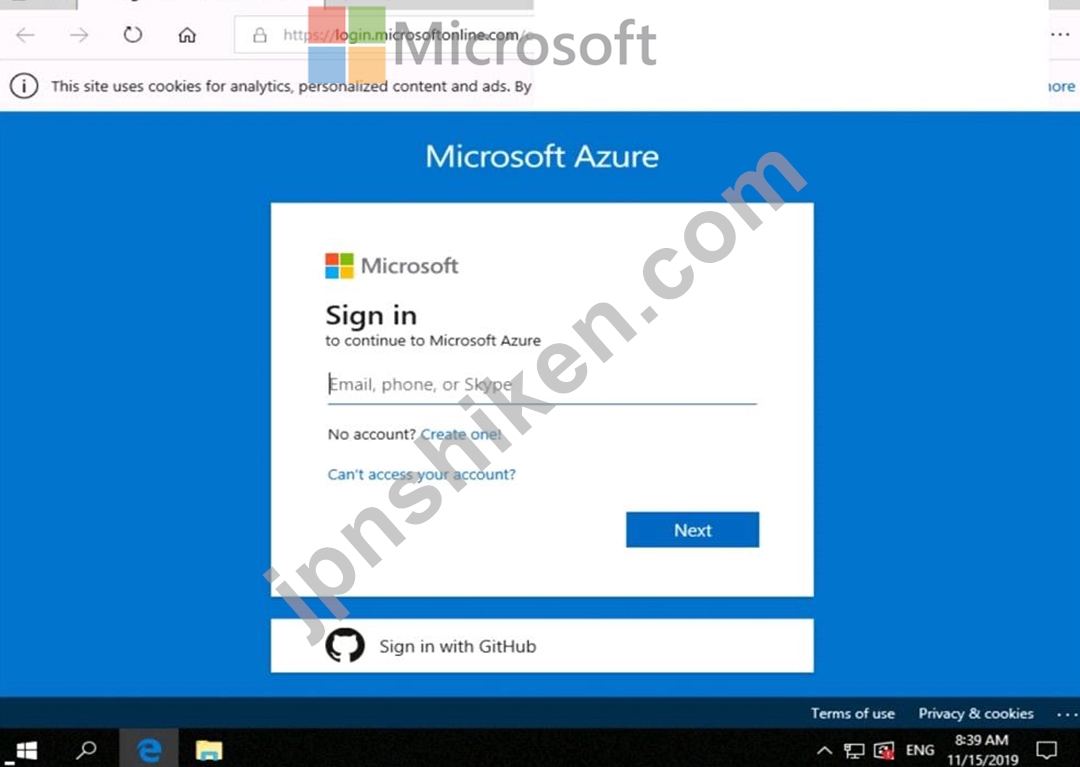
ユーザー名を入力するには、[サインイン]ボックスにカーソルを置き、下のユーザー名をクリックします。
パスワードを入力するには、[パスワードの入力]ボックスにカーソルを置き、下のパスワードをクリックします。
Azureユーザー名:[email protected]
Azureパスワード:Ag1Bh9!#Bd
以下の情報は、テクニカルサポートのみを目的としています。
ラボインスタンス:10598168


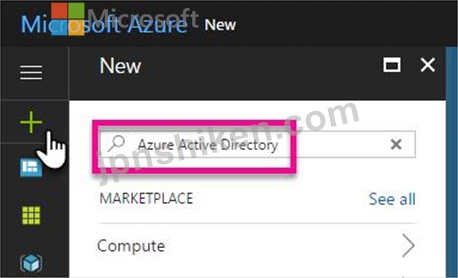
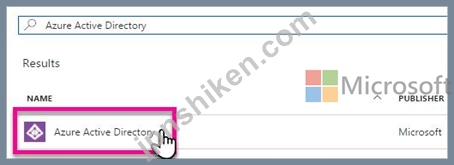
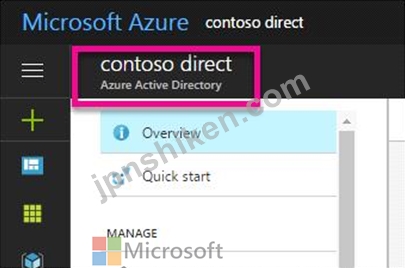
10598168.onmicrosoft.comという名前の新しいAzureActive Directory(Azure AD)ディレクトリを作成する必要があります。
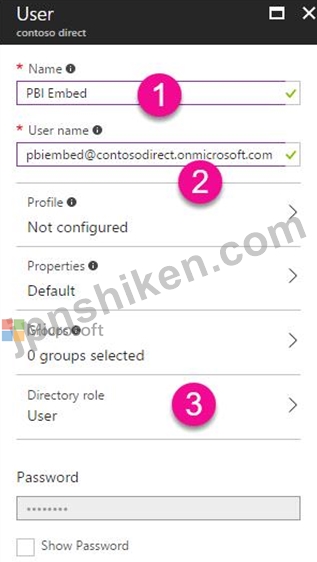
新しいディレクトリには、Azure Multi-Factor Authentication(MFA)を使用してサインインするように構成された[email protected]という名前のユーザーが含まれている必要があります。
このタスクを完了するには、Azureポータルにサインインします。
ユーザー名を入力するには、[サインイン]ボックスにカーソルを置き、下のユーザー名をクリックします。
パスワードを入力するには、[パスワードの入力]ボックスにカーソルを置き、下のパスワードをクリックします。
Azureユーザー名:[email protected]
Azureパスワード:Ag1Bh9!#Bd
以下の情報は、テクニカルサポートのみを目的としています。
ラボインスタンス:10598168
10598168.onmicrosoft.comという名前の新しいAzureActive Directory(Azure AD)ディレクトリを作成する必要があります。
新しいディレクトリには、Azure Multi-Factor Authentication(MFA)を使用してサインインするように構成された[email protected]という名前のユーザーが含まれている必要があります。
このタスクを完了するには、Azureポータルにサインインします。