必要に応じて、次のログイン資格情報を使用します。
ユーザー名を入力するには、サインインボックスにカーソルを置き、下のユーザー名をクリックします。
パスワードを入力するには、[パスワードの入力]ボックスにカーソルを置き、以下のパスワードをクリックします。
Azure Username: [email protected]
Azure Password: Ag1Bh9!#Bd
次の情報は、技術サポートのみを目的としています。
ラボインスタンス:10598168
インターネットからVM1という名前の仮想マシンへのRDP接続を許可するようにAzureを構成する必要があります。
ソリューションでは、VM1の攻撃対象領域を最小限に抑える必要があります。
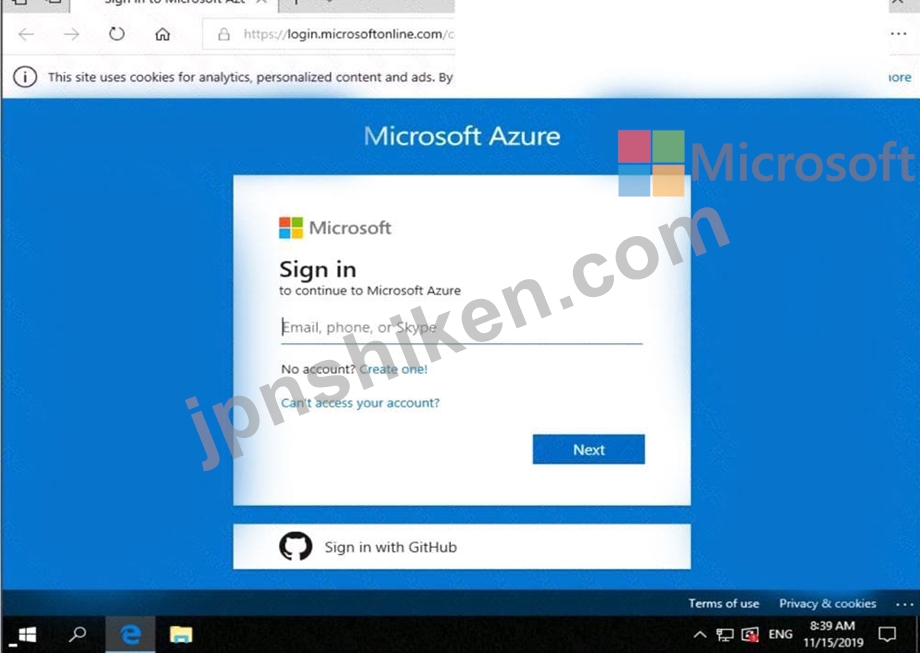
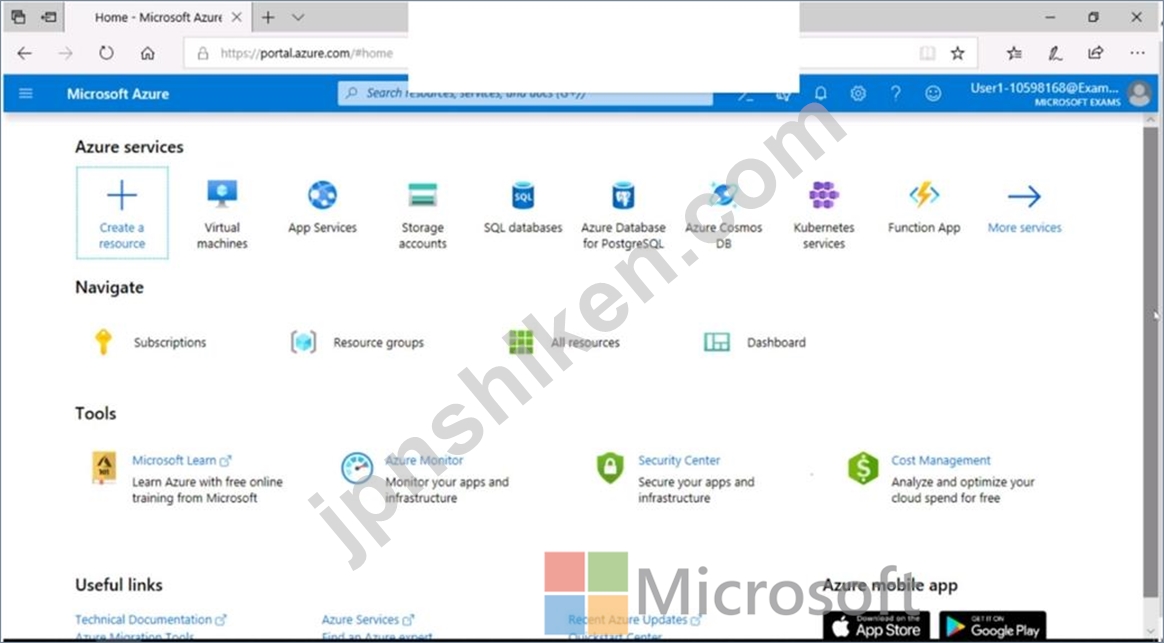
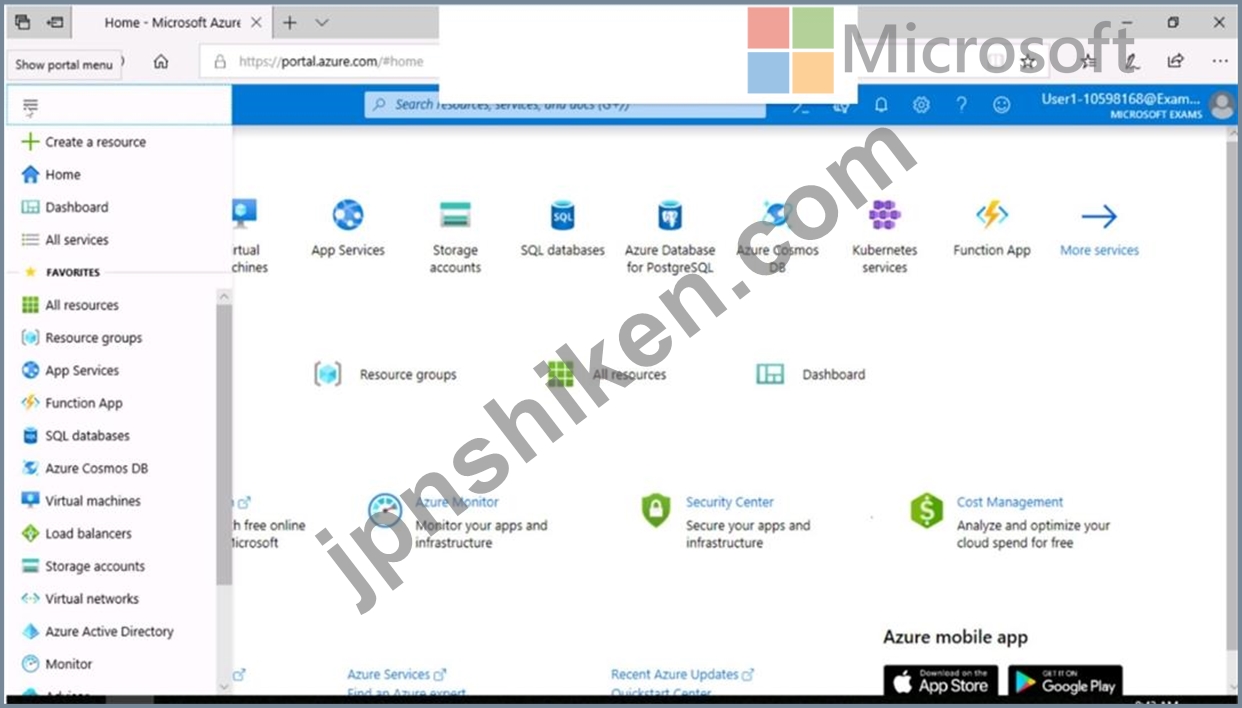
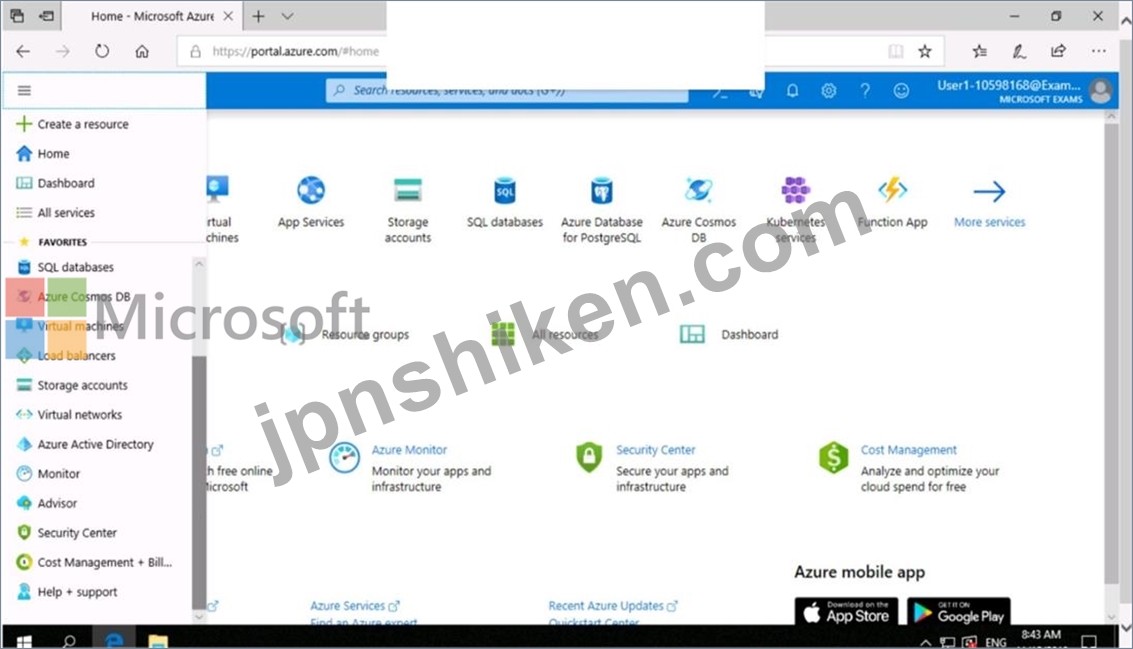
このタスクを完了するには、Azureポータルにサインインします。
ユーザー名を入力するには、サインインボックスにカーソルを置き、下のユーザー名をクリックします。
パスワードを入力するには、[パスワードの入力]ボックスにカーソルを置き、以下のパスワードをクリックします。
Azure Username: [email protected]
Azure Password: Ag1Bh9!#Bd
次の情報は、技術サポートのみを目的としています。
ラボインスタンス:10598168
インターネットからVM1という名前の仮想マシンへのRDP接続を許可するようにAzureを構成する必要があります。
ソリューションでは、VM1の攻撃対象領域を最小限に抑える必要があります。
このタスクを完了するには、Azureポータルにサインインします。

