- ホーム
- Microsoft
- AZ-500J - Microsoft Azure Security Technologies (AZ-500日本語版)
- Microsoft.AZ-500J.v2021-07-10.q83
- 質問7
有効的なAZ-500J問題集はJPNTest.com提供され、AZ-500J試験に合格することに役に立ちます!JPNTest.comは今最新AZ-500J試験問題集を提供します。JPNTest.com AZ-500J試験問題集はもう更新されました。ここでAZ-500J問題集のテストエンジンを手に入れます。
AZ-500J問題集最新版のアクセス
「517問、30% ディスカウント、特別な割引コード:JPNshiken」
必要に応じて、次のログイン資格情報を使用します。
ユーザー名を入力するには、[サインイン]ボックスにカーソルを置き、下のユーザー名をクリックします。
パスワードを入力するには、[パスワードの入力]ボックスにカーソルを置き、下のパスワードをクリックします。
Azureユーザー名:[email protected]
Azureパスワード:Ag1Bh9!#Bd
以下の情報は、テクニカルサポートのみを目的としています。
ラボインスタンス:10598168

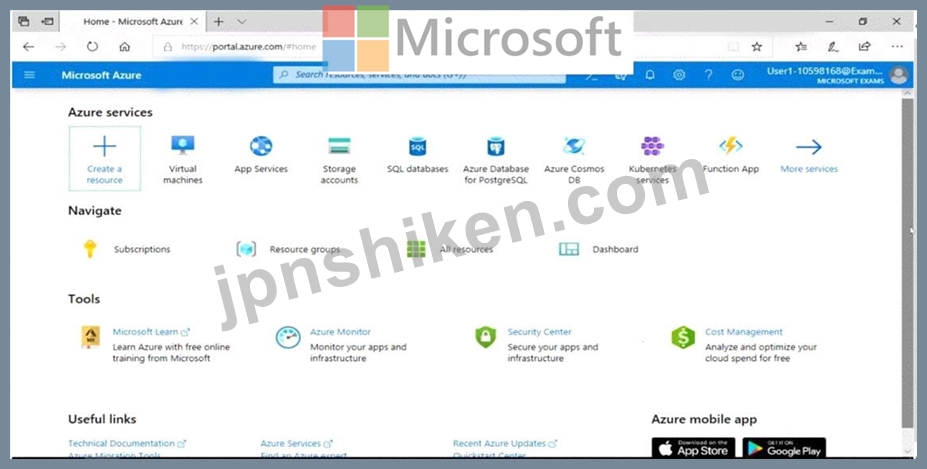
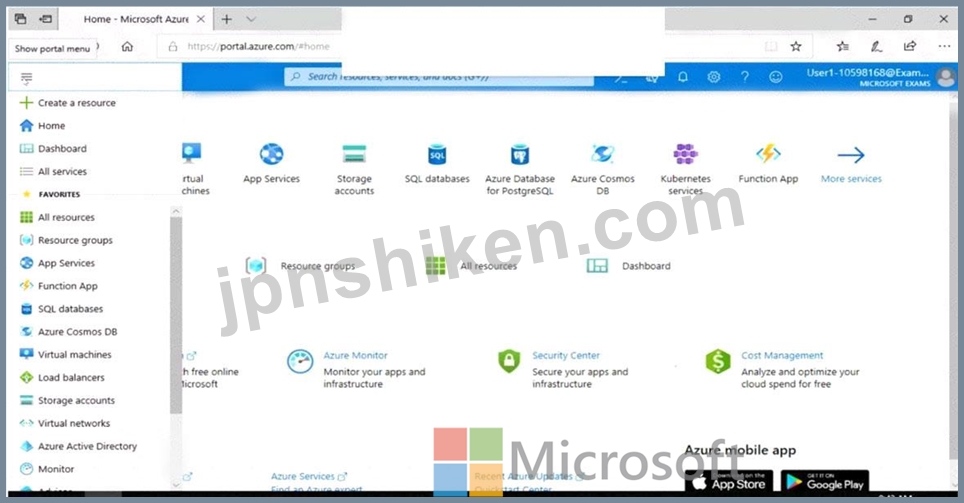
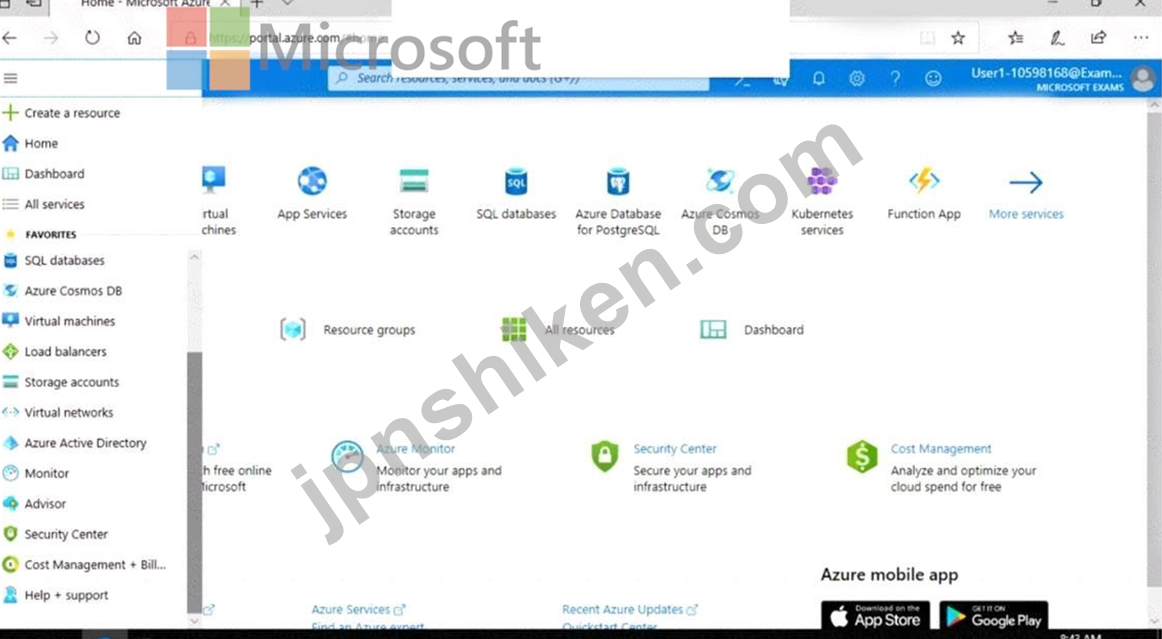
VM1という名前の仮想マシンのネットワークインターフェイスを、ASG1という名前のアプリケーションセキュリティグループに追加する必要があります。
このタスクを完了するには、Azureポータルにサインインします。
ユーザー名を入力するには、[サインイン]ボックスにカーソルを置き、下のユーザー名をクリックします。
パスワードを入力するには、[パスワードの入力]ボックスにカーソルを置き、下のパスワードをクリックします。
Azureユーザー名:[email protected]
Azureパスワード:Ag1Bh9!#Bd
以下の情報は、テクニカルサポートのみを目的としています。
ラボインスタンス:10598168
VM1という名前の仮想マシンのネットワークインターフェイスを、ASG1という名前のアプリケーションセキュリティグループに追加する必要があります。
このタスクを完了するには、Azureポータルにサインインします。
正解:
See the explanation below.
In the Search resources, services, and docs box at the top of the portal, begin typing the name of a virtual machine, VM1 that has a network interface that you want to add to, or remove from, an application security group.
When the name of your VM appears in the search results, select it.
Under SETTINGS, select Networking. Select Configure the application security groups, select the application security groups that you want to add the network interface to, or unselect the application security groups that you want to remove the network interface from, and then select Save.
Reference:
https://docs.microsoft.com/en-us/azure/virtual-network/virtual-network-network-interface
In the Search resources, services, and docs box at the top of the portal, begin typing the name of a virtual machine, VM1 that has a network interface that you want to add to, or remove from, an application security group.
When the name of your VM appears in the search results, select it.
Under SETTINGS, select Networking. Select Configure the application security groups, select the application security groups that you want to add the network interface to, or unselect the application security groups that you want to remove the network interface from, and then select Save.
Reference:
https://docs.microsoft.com/en-us/azure/virtual-network/virtual-network-network-interface

- 質問一覧「83問」
- 質問1 Sub1という名前のAzureサブスクリプションがあります。 1つのサ...
- 質問2 Azure仮想マシンのデプロイに使用するAzure Resource Managerテ...
- 質問3 100台の仮想マシンを含みAzureSecurityCentを含むAzureサブスク...
- 質問4 Azure仮想マシンからAzure Log Analyticsワークスペースにイベン...
- 質問5 注:この質問は、同じシナリオを提示する一連の質問の一部です。
- 質問6 注:この質問は、同じシナリオを提示する一連の質問の一部です。
- 質問7 必要に応じて、次のログイン資格情報を使用します。 ユーザー名
- 質問8 Vault1 RecoveryServicesボールトのAzureBackupReportログがWS11...
- 質問9 必要に応じて、次のログイン資格情報を使用します。 ユーザー名
- 質問10 必要に応じて、次のログイン資格情報を使用します。 ユーザー名
- 質問11 必要に応じて、次のログイン資格情報を使用します。 ユーザー名
- 質問12 RG1という名前のリソースグループを含むAzureサブスクリプション...
- 質問13 次の展示に示されているアラートを含むAzureサブスクリプション...
- 質問14 プラットフォーム保護要件を満たすために、Role1を作成する必要...
- 質問15 次の表に示すAzure仮想マシンがあります。 (Exhibit) 米国東部リ...
- 質問16 Azure Kubernetes Service(AKS)クラスターをテストしています...
- 質問17 User2-11641655にKeyVault11641655のすべてのキー権限があること...
- 質問18 次の表に示すユーザーを含むAzure Active Directory(Azure AD)...
- 質問19 Azure Sentinelをオンボードします。 Azure SentinelをAzure Sec...
- 質問20 あなたの会社には、contoso.comという名前のAzure Active Direct...
- 質問21 Registry1という名前のAzure Container Registryがあります。 次...
- 質問22 Sub2のVM1、VM2、およびVM3のセキュリティを評価しています。 以...
- 質問23 次の表に示すユーザーを含むAzure Active Directory(Azure AD)...
- 質問24 注:この質問は、同じシナリオを提示する一連の質問の一部です。
- 質問25 LAW1という名前のAzure Log Analyticsワークスペースを含むSub1...
- 質問26 SQLdb1 AzureSQLデータベースの監査ログがWS11641655Azure LogAn...
- 質問27 image1という名前のコンテナーイメージを含むContReg1という名前...
- 質問28 次の表に示すリソースを含むAzureActive Directory(Azure AD)...
- 質問29 プラットフォーム保護要件を満たすには、AKS1を展開する必要があ...
- 質問30 会社には、contoso.comという名前のAzure Active Directory(Azu...
- 質問31 ネットワークには、contoso.comという名前のActive Directoryフ...
- 質問32 必要に応じて、次のログイン資格情報を使用します。 ユーザー名
- 質問33 次の表に示す仮想マシンを含むAzureサブスクリプションがありま...
- 質問34 注:この質問は、同じシナリオを提示する一連の質問の一部です。
- 質問35 Azure Active Directory(Azure AD)テナントとUser1という名前...
- 質問36 Azureリソースマネージャーテンプレートを使用して、同一に構成...
- 質問37 注:この質問は、同じシナリオを提示する一連の質問の一部です。
- 質問38 ネットワークには、contoso.comという名前のActive Directoryフ...
- 質問39 Sub1という名前のAzureサブスクリプションがあります。 Sub1には...
- 質問40 管理者がAzureResource Managerテンプレートを使用してリソース...
- 質問41 Sub1という名前のAzureサブスクリプションがあります。 ITチーム...
- 質問42 Subscription1という名前のAzureサブスクリプションがあります。...
- 質問43 Azureサブスクリプションがあります。 サブスクリプションには、...
- 質問44 Azureサブスクリプションがあります。 別のAzure Active Directo...
- 質問45 AzureSentinelワークスペースを含むAzureサブスクリプションがあ...
- 質問46 次の表に示すように、米国東部2リージョンに2つのAzure仮想マシ...
- 質問47 次の表に示す仮想ネットワークを含むAzureサブスクリプションが...
- 質問48 次の表に示す仮想ネットワークを含むAzureサブスクリプションが...
- 質問49 Azureサブスクリプションを作成します。 Azure Active Directory...
- 質問50 Azure仮想マシンの展開に使用するAzure Resource Managerテンプ...
- 質問51 ネットワークには、corp.contoso.comという名前のオンプレミスAc...
- 質問52 Azure Key Vaultがあります。 次の要件を満たすために、Key Vaul...
- 質問53 Admin1という名前のユーザーとRG1という名前のリソースグループ...
- 質問54 次の表に示すユーザーを含むcontoso.comという名前のAzure Activ...
- 質問55 Azure Container Registryに接続するAzure Kubernetes Service(...
- 質問56 Azure Active Directory(Azure AD)のハイブリッド構成がありま...
- 質問57 4つのAzureSQLマネージドインスタンスを含むAzureサブスクリプシ...
- 質問58 VM1という名前の仮想マシンを含むAzureサブスクリプションがあり...
- 質問59 次の表に示すリソースを含むAzureサブスクリプションがあります...
- 質問60 新しいAzure Active Directory(Azure AD)テナントに関連付けら...
- 質問61 会社には、次の表に示すユーザーを含むSubscription1という名前...
- 質問62 次の表に示すリソースを含むSubscription1という名前のAzureサブ...
- 質問63 注:この質問は、同じシナリオを提示する一連の質問の一部です。
- 質問64 会社はAzure DevOpsを使用しています。 コードが会社の品質基準...
- 質問65 一連のAzure仮想マシンへのジャストインタイム(JIT)VMアクセス...
- 質問66 セキュリティ運用要件を満たしていることを確認する必要がありま
- 質問67 Azureサブスクリプションがあります。 S1 Appサービスプランを使...
- 質問68 次の表に示す仮想マシンを含むAzureサブスクリプションがありま...
- 質問69 注:この質問は、同じシナリオを提示する一連の質問の一部です。
- 質問70 Azure Active Directory(Azure AD)テナントがあります。 次の...
- 質問71 次の設定を持つアラートルールを作成します。 * Resource: RG1 *...
- 質問72 会社には、contoso.comという名前のAzure Active Directory(Azu...
- 質問73 Azure Active Directory(Azure AD)テナントを含むAzureサブス...
- 質問74 webapp1という名前のAzure Webアプリがあります。 Azure Repoを...
- 質問75 AzureStorageアカウントのセキュリティ問題のトラブルシューティ...
- 質問76 次の表に示すユーザーを含むAzureサブスクリプションがあります...
- 質問77 Azure仮想マシンの展開に使用するAzure Resource Managerテンプ...
- 質問78 注:この質問は、同じシナリオを提示する一連の質問の一部です。
- 質問79 WebApp1という名前のAzure Webアプリがあります。 証明書をWebAp...
- 質問80 次の表に示すリソースを含むAzureサブスクリプションがあります...
- 質問81 webapp1という名前のAzure Webアプリがあります。 Azure Repoを...
- 質問82 User1という名前のユーザーとConReg1という名前のAzure Containe...
- 質問83 VNET01-Subnet0-NSGネットワークセキュリティグループ(NSG...
